
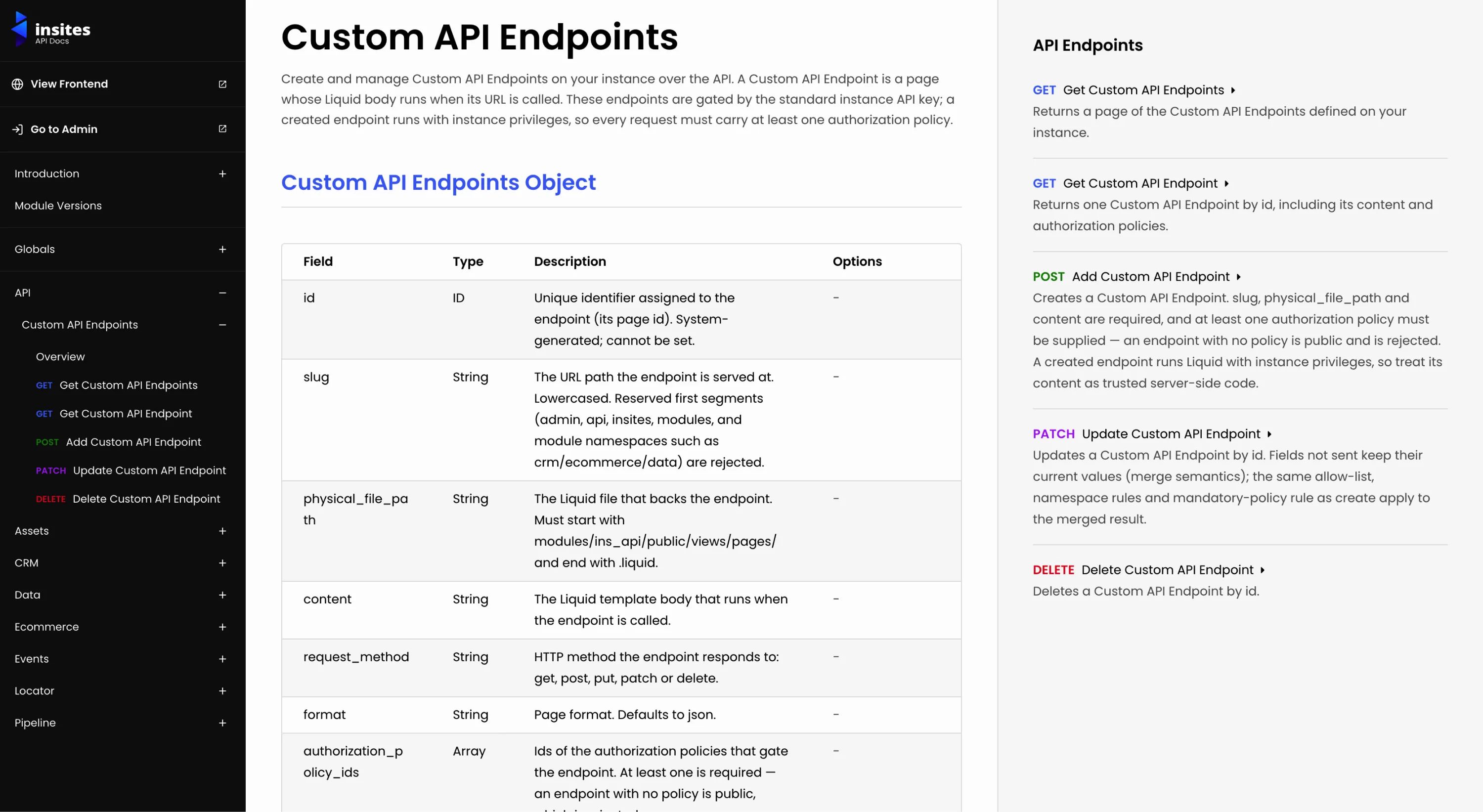
Manage custom endpoints over the API, and build against a documented error contract
Released 2026-08-27
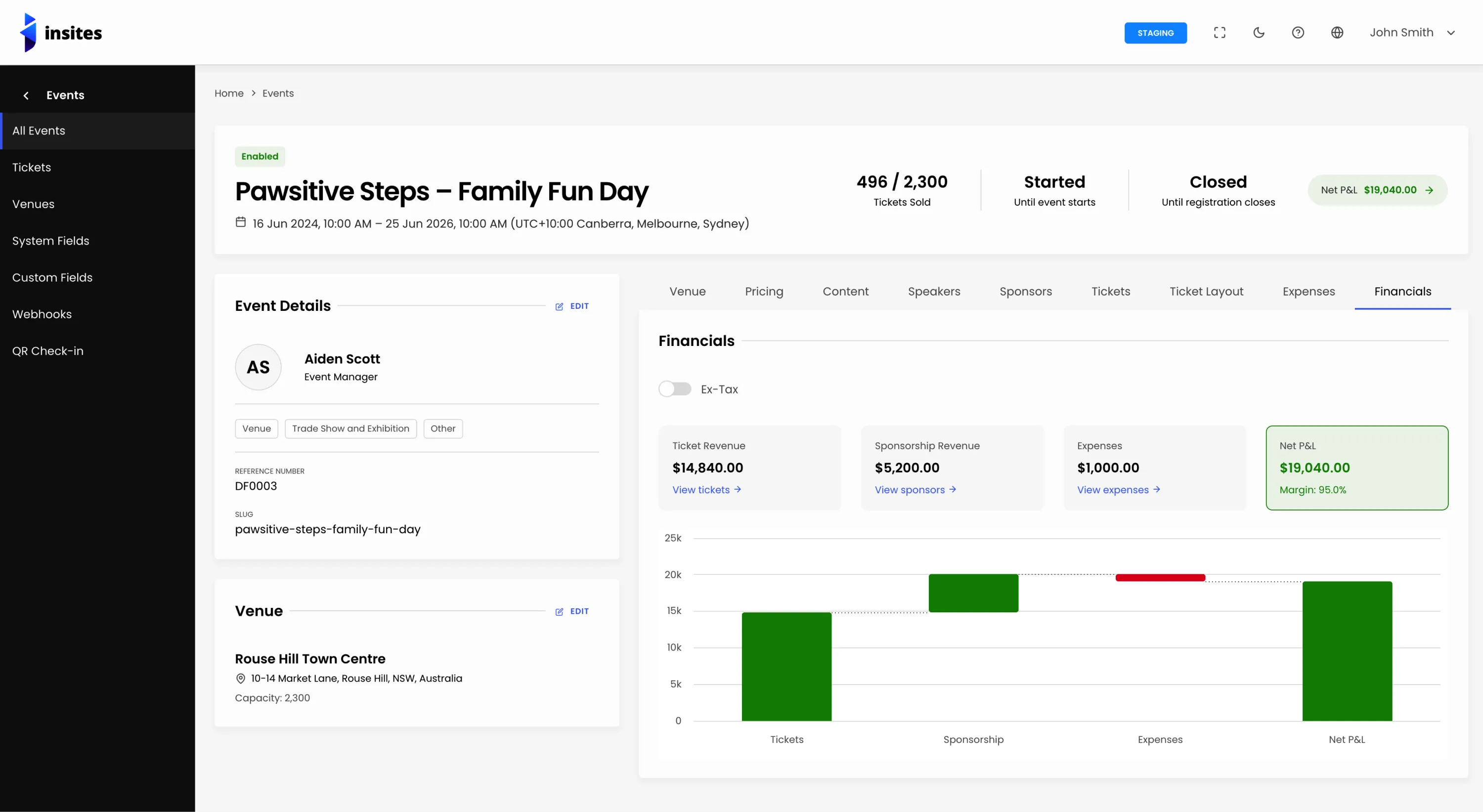
See what an event actually earned, and run it from a page built for operations
Released 2026-08-26
Webhooks per database, address autocomplete, and a cleaner v2 API
Released 2026-08-12
Lint your Liquid before you deploy, and connect straight to the dedicated stack
Released 2026-08-06
Smarter ecommerce billing, cleaner APIs, and stricter data integrity across orders and quotes
Released 2026-06-11
Manage custom endpoints over the API, and build against a documented error contract
Released 2026-08-27
New Features
- Custom API Endpoints can now be managed over the API: create, list, get, update and delete them under
/insites/api/v2/endpoints, gated by the instance API key. Every endpoint must carry at least one authorization policy (no public-by-omission), the slug and file path are namespace-validated, inputs are allow-listed, and each change is recorded in the event stream. Documented under the new API section in the API docs. - The Instance API Key policy can now be selected on the Authorization Policies dropdown when configuring a Custom API Endpoint.
- Documented the error response standard on the API Overview page — the error envelope fields, plus per-item results and success/fail/total counts for bulk ("Add Multiple") endpoints.
- Documented the GeoJSON serialization standard — GeoJSON values are sent as JSON-encoded strings and returned as parsed JSON objects.
- New "Controllers" section on the API Overview — what a controller is, how to call one with
{% function %}, and when to use a controller instead of the HTTP API. Includes explicit guidance for AI assistants so generated on-instance Liquid uses controllers rather than HTTP calls. - Endpoint documentation now renders a Controller Contract section (stability, returns, errors, and silent failures) for any controller that declares a contract in its front matter, in both the HTML docs and the Markdown export.
Improvements
- Example HTTP and Controller requests are now rendered in read-only code editors, and the Copy Request button copies the exact raw text.
- Authorization header examples now use the
{API_KEY}placeholder consistently across every endpoint and module. - Renamed "GraphQL Name" to "Display Name" on the Add and Edit GraphQL pages.
- Updated the cancel button icon on the Custom API Endpoint pages.
- Removed unused total counts from internal GraphQL queries.
Bug Fixes
- Bulk ("Add Multiple") endpoints now display their real array-of-objects request example instead of a placeholder or a single object.
- Appending
.mdto a documentation URL now redirects to the real Markdown version instead of returning HTML with a markdown content type. Fixed the CMS, Forms, Permissions, and Stripe reference sections rendering another module's content. - Controller request examples now pass the payload with the correct
params: paramsnamed argument, so the example is copy-paste-valid. - cURL examples now escape apostrophes correctly, so a copied command runs as-is instead of breaking at the shell.
- The Markdown documentation now shows a literal
&in cURL example URLs and example data, instead of an HTML-escaped&. - The API Overview now documents the search, sort, and pagination defaults accurately: defaults are noted as resource-specific rather than universal, and a dotted search field (e.g.
company.name) is documented as returning an error.
See what an event actually earned, and run it from a page built for operations
Released 2026-08-26
New Features
- Add event financial reporting: Revenue/Expenses/Net P&L/Margin % columns on All Events, a Financials tab with a Highcharts waterfall, a Net P&L header chip, and a per-user Ex-Tax/Gross toggle.
- Redesign the event detail page on an operations-first layout: header with operational counters and countdowns, left-column summary cards (Reference, Venue), and a horizontally-scrolling tab rail.
Improvements
- Group Event Details tab fields into logical sections.
- Add Archive path to Reassign drawer empty-states.
- Document nested file keys on Event upload/gallery, Speaker image, Sponsor logo, and Expense attachment/invoice fields.
- Add explicit error-message prop to Canonical URL field.
- Add id to nested object refs in Events API v2 example responses.
- Default list columns now include Revenue, Expenses, Net P&L, and Margin % between Event Start Date and Status.
Bug Fixes
- Fix silent image upload failures, missing Android Camera option, and reactive-Proxy/gallery-uuid upload bugs.
- Fix orphaned commas/spaces in PDF ticket venue address.
- Normalize Events datetime fields to ISO 8601 UTC, reject naive input, and fix a Liquid syntax error in validate_datetime_fields.
- Remove unused total_entries selections from Events GraphQL queries.
- Fix URL validation.
- Hide Link/Password fields for venue events and add URL validation parity with CRM Company Website.
- Restore pricing tier archive/restore/reassign feature.
- Fix pricing division migration data loss and non-idempotency.
- Remove dead pricing field references from event_pricing_division GraphQL that always resolved to null.
- Guard pagination totalCount against undefined to fix a recurring console error across Speakers, Sponsors, Venue Contacts, System Fields, and other list pages.
- Fix event import silently discarding ticket prices, and silently discarding whole pricing divisions when venue/area info is missing; prevent duplicate divisions on re-import.
- Fix event detail page timezone, pagination, and stale-validation bugs; correct day/hour countdown boundary math; show Net P&L/Margin % as neutral/0% instead of red or a dash at zero.
- Wrap the event title instead of truncating it, hide the date line when no date is set, and remove the Ticket Layout summary card pending a real rendered-ticket thumbnail.
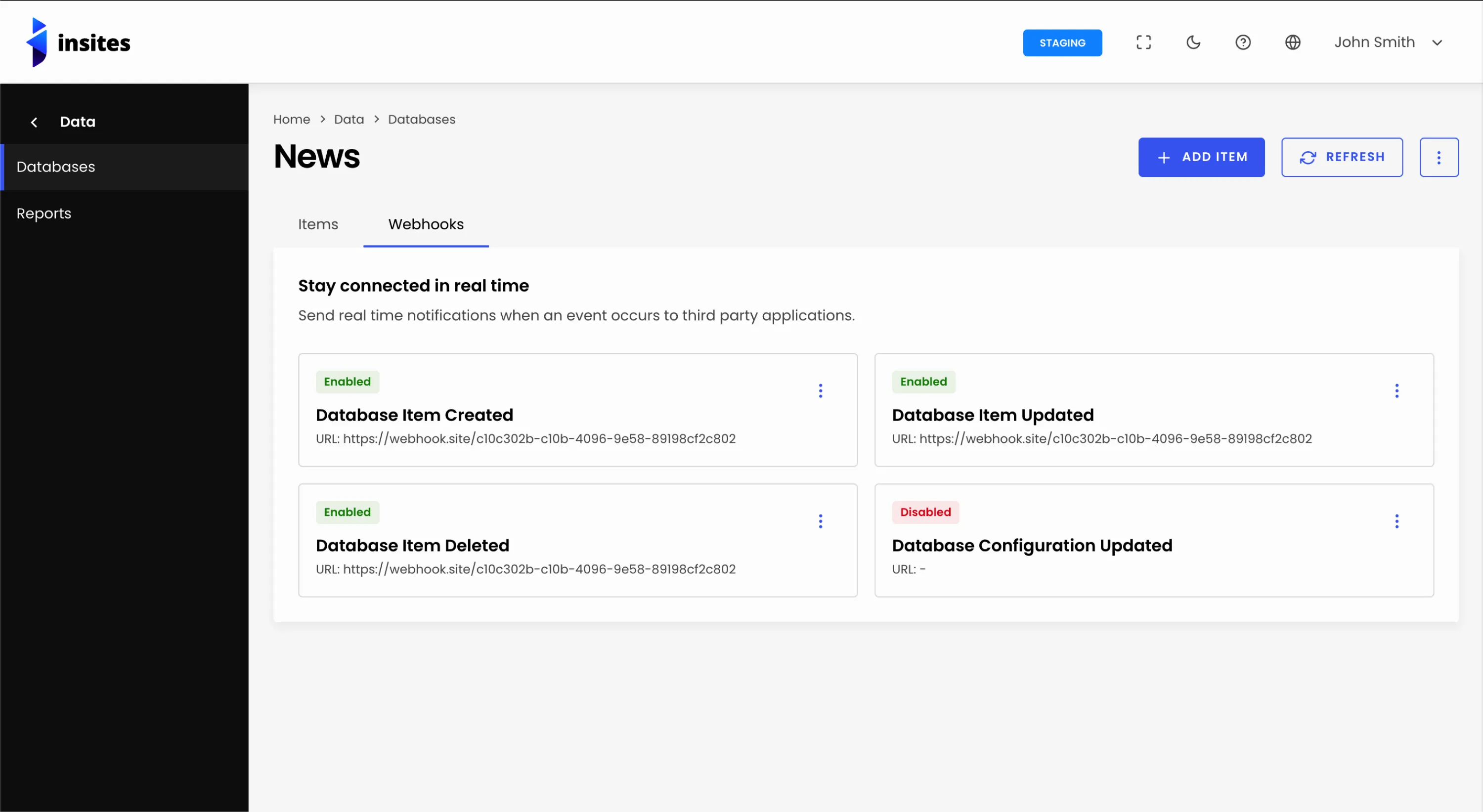
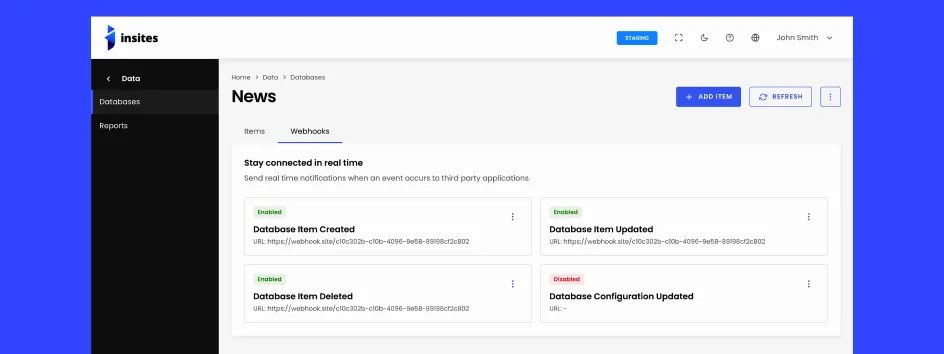
Webhooks per database, address autocomplete, and a cleaner v2 API
Released 2026-08-12
New Features
- Add per-database webhooks for item and configuration events.
- Add Address UI element with Google Places autocomplete.
- Add Create Database endpoint to the Platform API v2.
- Add Soft Deleted item count column to the Databases list.
- Link email field to CRM contact from database record, with tooltip and no-match text.
Improvements
- De-duplicate Display Fields options and already-saved column settings.
- Return database_id from custom-database lookup queries.
- Store array-type field values as arrays via the v2 item API.
- Flatten databases list response to a standard shape.
- Pluralize the database segment in v2 item API paths.
- Include image/file URLs in external item API results.
- Relabel Reports API Calls chart to External API Calls.
- Stack checkbox field options vertically to match the radio field.
- Make System Info tab items full width on the database item view.
- Set Data list search placeholders.
- Update delete-database confirmation modal to match Figma.
- Switch database item restore history icon and fix History drawer timeline bullet colours.
Bug Fixes
- Show data source display value instead of the raw UUID/ID in the Database Items list and v2 API.
- Show the Reports date filter in the instance's localisation date format, fixing invalid-date submission and a cold-load race condition.
- Fix multi-select/data-source lookup fields not rehydrating saved values, guard against malformed responses, and correct CRM search matching.
- Fix Address field repopulation, invalid-key flash, and Google Maps state issues.
- Fix optional-chaining bug causing console errors on every item edit; bump axios to 1.19.0.
- Fix emoji import corruption and guarantee import jobs finalise on unexpected errors.
- Fix import jobs never finalising due to malformed log_file JSON; validate import field values.
- Fix Add Item form hanging indefinitely on the loading spinner.
- Fix database item link on belongs-to fields resolving to the wrong item.
- Fix advanced filter chip showing null instead of the actual value.
- Fix filtered database items list showing wrong pager total.
- Fix localisationData timezone key mismatch and drop is_daylight_savings_time.
- Fix broken line breaks in History drawer descriptions.
- Fix quotes and backslashes corrupting item property values.
- Fix Items view crash on deprecated field types and reject them at create time.
- Fix duplicate webhook records, webhook drawer error message, and a deploy-blocking Liquid expression.
API Changes
- External v2 API now served at
/data/api/v2; the/databasesprefix is deprecated. - External v2 item update changed from PUT to PATCH.
- Document dot-notation payload format for item add/update APIs.
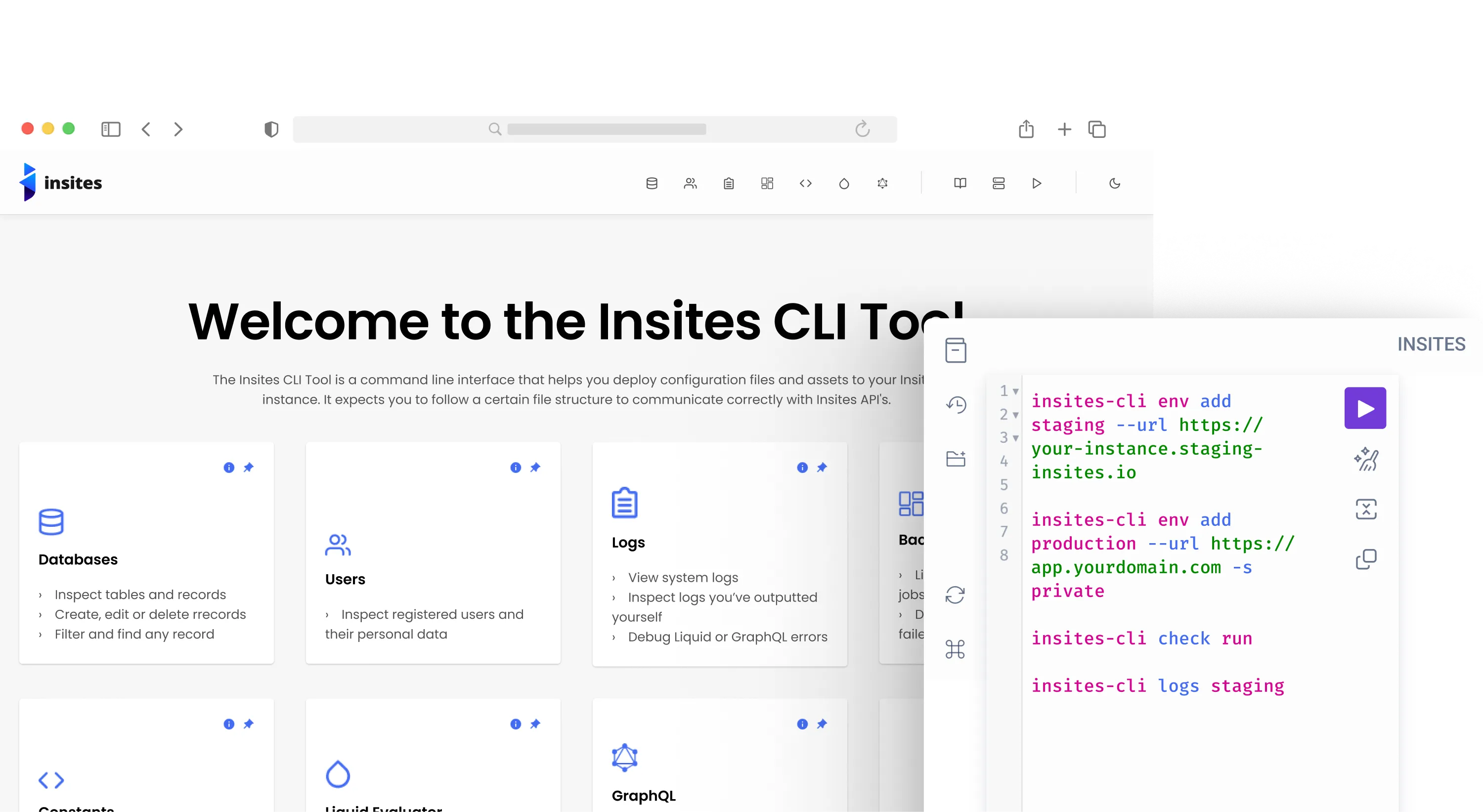
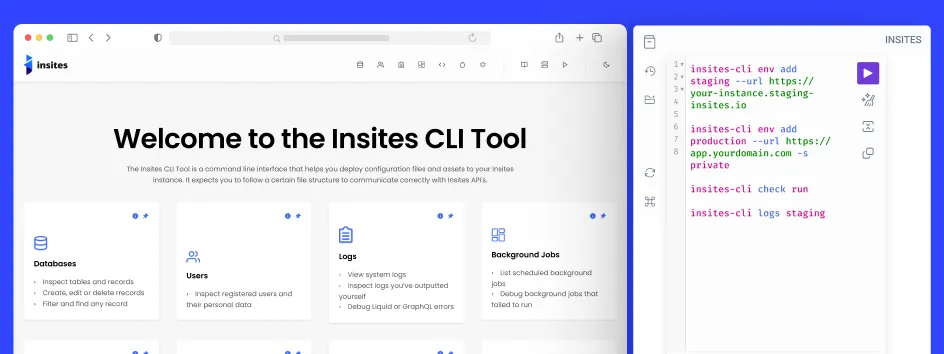
Lint your Liquid before you deploy, and connect straight to the dedicated stack
Released 2026-08-06
New Features
- Dedicated stack support.
env addnow connects to instances on the Insites dedicated stack as well as the shared stack, and works out which one an instance belongs to from its URL. - Browser-based authorization for the dedicated stack. Pass only the instance URL and the CLI opens the Partner Portal for you to approve, with no email, instance UUID, or portal URL to type.
- New
-s, --stack <stack>option onenv addto set the stack explicitly when an instance uses a custom domain the CLI cannot classify. env listnow shows which stack each environment belongs to.- New
checkcommand: lint your Liquid.check runreports offenses grouped by file with the offending lines shown, exits1when anything is found, and supports-aautofix,-cto filter to named checks,-f text|json, and-sfor errors only.check initwrites a configuration file for disabling checks or changing their severity, andcheck update-docsrefreshes the Liquid documentation the linter validates against. - Language server for Liquid, giving editors and Claude Code hover documentation, completions, go-to-definition, rename, and inline diagnostics.
Bug Fixes
- Restored the
logscommand.insites-cli logs <environment>returned "unknown command". - Fixed
logsv2 reportsfailing with a file-not-found error for every report. - Fixed
logsv2 alerts addfailing to send Slack alerts. - Fixed every
logsv2command reporting errors as an empty{}. A missing environment or bad token now prints the real message. - Fixed
insites-cli <command> --helpshowing the general command list instead of that command's own help. - Fixed
deploy,sync, andmodulestargeting the wrong Partner Portal for environments on the dedicated stack.
Improvements
- Every
env addrun reports which stack it selected. - Existing environments need no migration. Those saved before this release resolve to the correct stack from their instance URL.
logsandlogsv2now have distinct descriptions in the help output.
Notes
- On the dedicated stack, only the Partner Portal is supported so far. Logs and deployment events still route through the shared hosts.
- Larger install than 5.9.2, from the linter and language server.
Smarter ecommerce billing, cleaner APIs, and stricter data integrity across orders and quotes
Released 2026-06-11
New Features
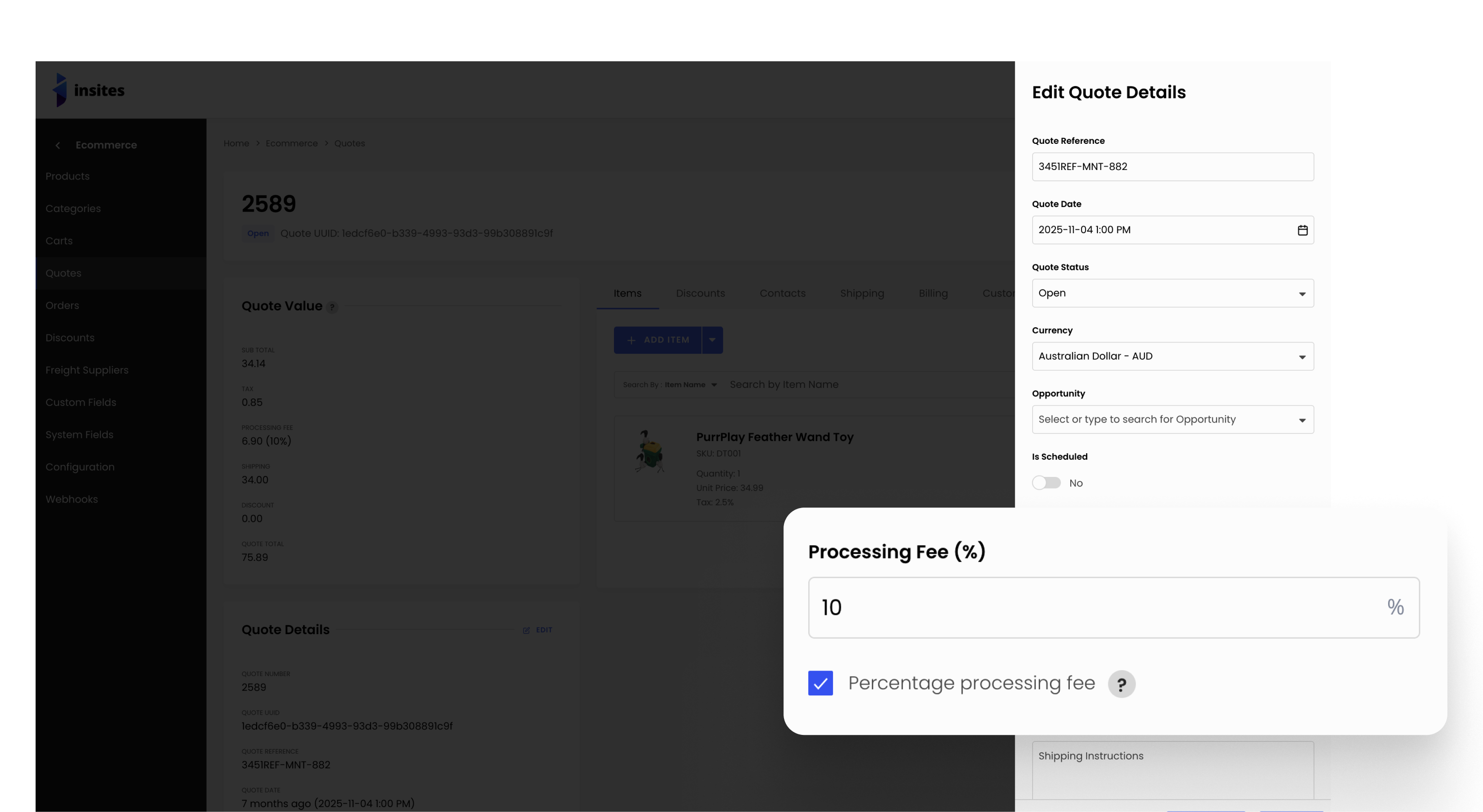
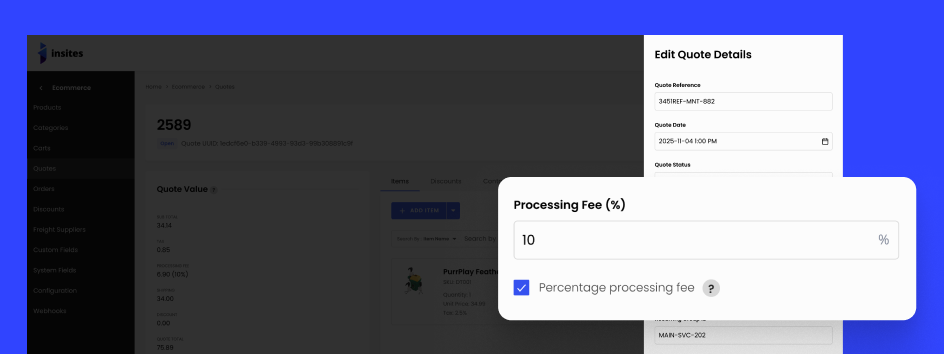
- Percentage Processing Fee — Orders and quotes now support a percentage-based processing fee via the
is_percentage_processing_feeflag (default:false/ fixed amount). Theprocessing_fee_amountis automatically computed server-side on every save using the order/quote base (subtotal + tax + shipping − discounts, clamped to $0). Applies across the v2 API, CSV import, and quote-to-order conversion. - Auto-generated Quote Number —
quote_numberis now automatically generated from the record ID on creation. The field is no longer required on POST or CSV import.
Bug Fixes
Quotes
- GET list and GET single:
items[]flattened to canonical shape;idadded to all nested objects - POST:
quote_statusdefaults toDraftwhen not supplied; enum and reference integrity validation added;quote_contact_idcorrectly derived;geo_jsoncascade fixed - PATCH: enum validation and reference integrity checks added;
quote_numbernow enforced - DELETE:
items[]flattened;idadded to nested objects
Orders
- GET list and GET single:
items[]flattened to canonical shape; doc examples corrected - POST:
items[]flattened in response;*_contact_idfields removed (not in schema);geo_jsoncascade fixed - PATCH:
items[]flattened in response;order_companycorrectly marked as not required
Order Items
- POST/PATCH: response shape corrected; null validation and UUID guards added
- PATCH: empty-string
order.uuidnow rejected - GET list:
page/sizerequired flags corrected; 400 example fixed; nestedidfields added
Order Discounts
idadded to nested order and discount objects across GET list, GET single, DELETE- POST: UUID guards and enum validation added
Order Shipping Packages
- Status enum validation added to POST
- GET list: required flags corrected; sort validation added
- DELETE 200 example aligned with live response
Payments
- POST/PATCH: reference integrity and enum validation; null protection added
- DELETE: nested order
idadded; stale enum values removed; 404 shape corrected - GET list: stale enum examples removed; unreachable 400 removed
- GET single: path param display and nested order
idfixed
Quote Discounts
- GET single 404 and DELETE 404 doc examples aligned with live response shape
- POST: reference integrity and enum validation added
- PATCH: validation and doc fixes
- GET list: unreachable 400 example removed
idadded to nested quote and discount objects
Quote Items
- POST: reference integrity validation and doc fixes
idadded to nested objects in DELETE 200 doc example
Quote Shipping Packages
- POST: reference integrity and enum validation added
- GET list:
page/sizecorrectly marked Optional - Doc: invalid enum values corrected;
idadded to nested objects
System Fields
- POST: success status corrected to 200; enum validation added
- PATCH: 404 guard and enum validation added
- DELETE: 404 guard prevents GraphQL internals leaking in error responses
Custom Fields
- DELETE now returns the deleted record; non-numeric
idvalidation added - Category and product custom field doc schema and example accuracy fixes
Configuration
- Stripe config: partial PATCH now preserves unset fields; non-boolean
livemoderejected - PATCH: empty-string rejected for
measurement_unitandweight_unit
Freight Suppliers
- Fixed size field drift in DELETE
page/sizecorrectly marked Optional in GET list doc- DELETE 200 example aligned with cURL path record
Products
- CSV SKU import is now atomic per row; duplicate SKU errors include the conflicting UUID
effective_priceis now always computed server-side on create/update and cannot be overridden via the API or CSV import- Backfill migration recalculates
effective_priceon all existing products and variants using paginated queries (500 per page) to avoid table locks
Improvements
idsub-field added to all nested relation objects (order, quote, contact, company, discount, product, product variant) across orders and quotes v2 API responses and doc examples- All v2 API doc examples updated to reflect live response shapes
- Unreachable 400 examples removed from GET list endpoints across orders and quotes
- Stale enum values removed from payments and order shipping package docs
- CSV import templates for orders and quotes now include the
Is Percentage Processing Feecolumn
Breaking Changes
- v2 API — Response shape:
items[]on orders and quotes has been flattened from{ id, properties: { uuid, ... } }to a flat object{ id, uuid, ... }across all endpoints (GET list, GET single, POST, PATCH, DELETE). Any client readingitem.properties.*will break. - v2 API — Stricter validation: Enum fields on orders and quotes POST/PATCH now reject invalid values with 400. Previously invalid values were silently accepted.
- v2 API — Reference integrity: Quotes PATCH now rejects non-existent relation UUIDs. Order items POST and order discounts POST now reject empty or invalid UUIDs.
- v2 API — Required field:
quote_numberis now required on quotes PATCH. - v2 API — Removed field:
*_contact_idfields removed from Orders POST — these were not in the order schema and are no longer accepted. - v2 API — Computed field:
processing_fee_amountis now server-computed on every save. Any client-supplied value is ignored and overwritten. Clients should stop sending this field and read it back from the response. - Products —
effective_price—effective_priceon products and product variants now always stores the ex-tax active list price. Previously it stored the rawsale_priceorregular_priceregardless of tax-inclusive flags.- Values change for tax-inclusive catalogs. Catalogs with
is_tax_included,is_sale_price_tax_included, oris_variant_sale_price_tax_includedset totruewill seeeffective_pricechange after the backfill migration runs. - Listings sorted or filtered by
effective_pricewill reorder. Re-test any storefront listing, sort, or price-range filter that reads this field. effective_priceis read-only. It is computed server-side on every create/update; values sent in POST/PATCH bodies or CSV imports are ignored and overwritten — read it back from the response.total_priceis unchanged. It stays tax-inclusive.
- Values change for tax-inclusive catalogs. Catalogs with