401 Unauthorized
You don't have permission to access this page.
Click here to go back to the login page.
You don't have permission to access this page.
Click here to go back to the login page.
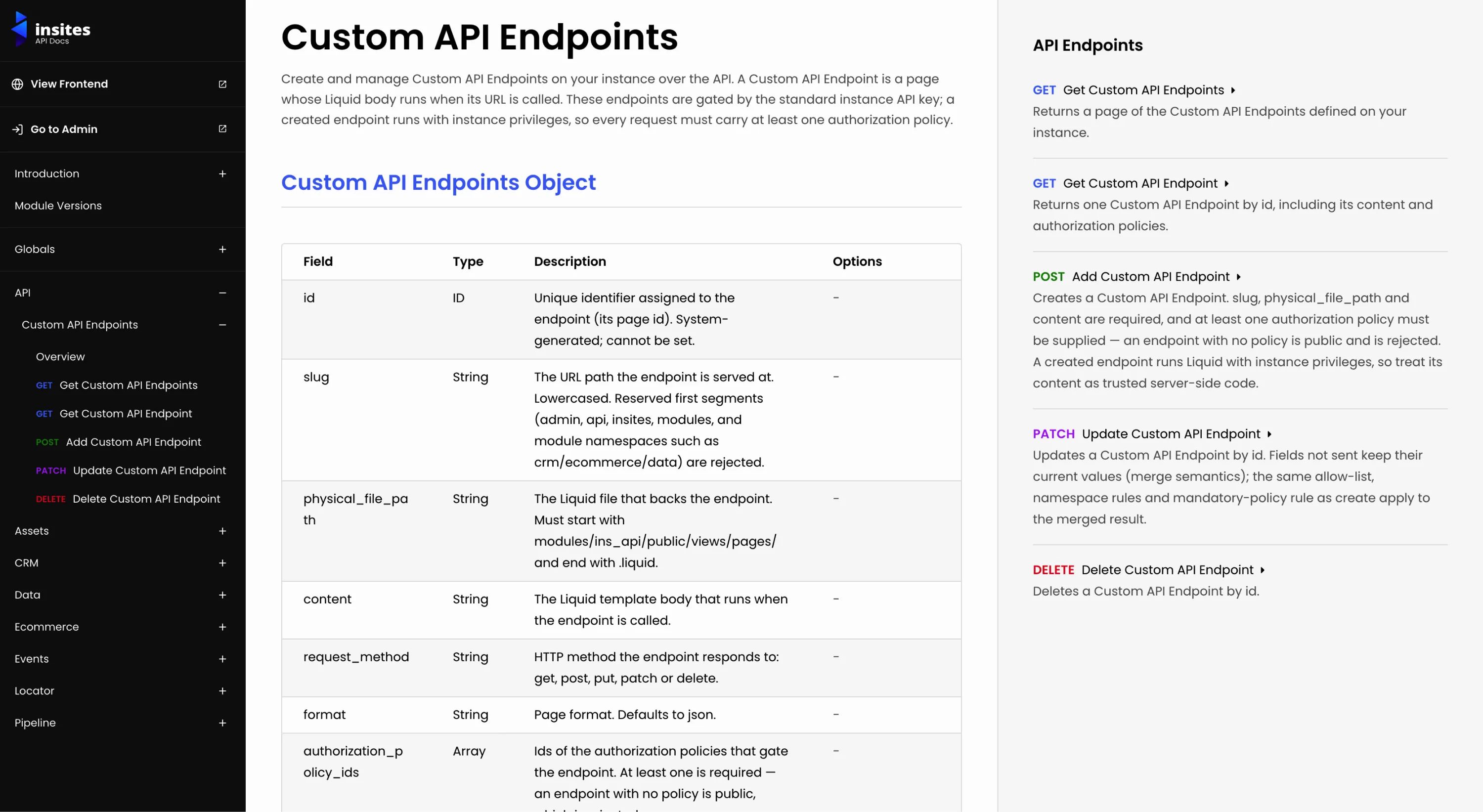
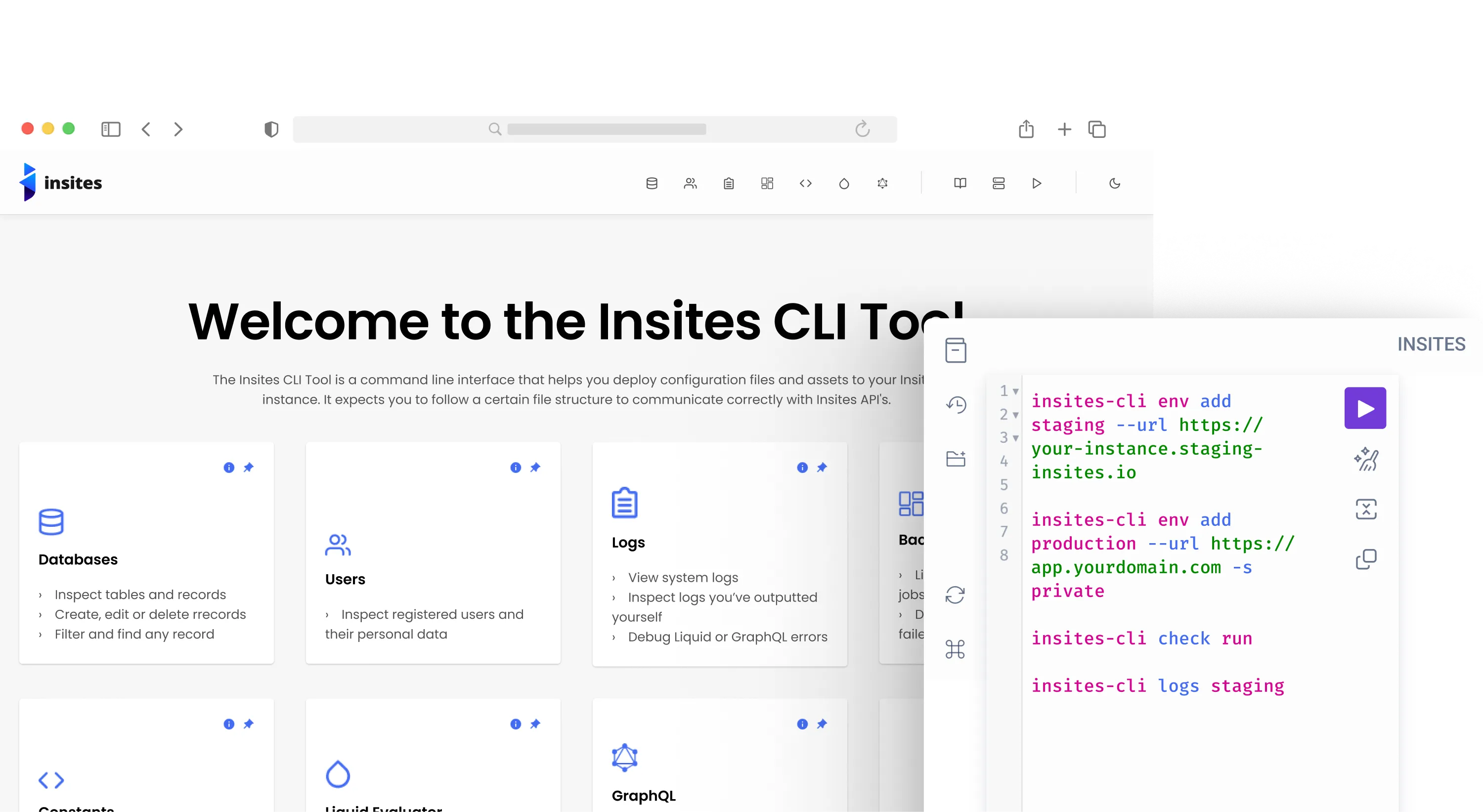
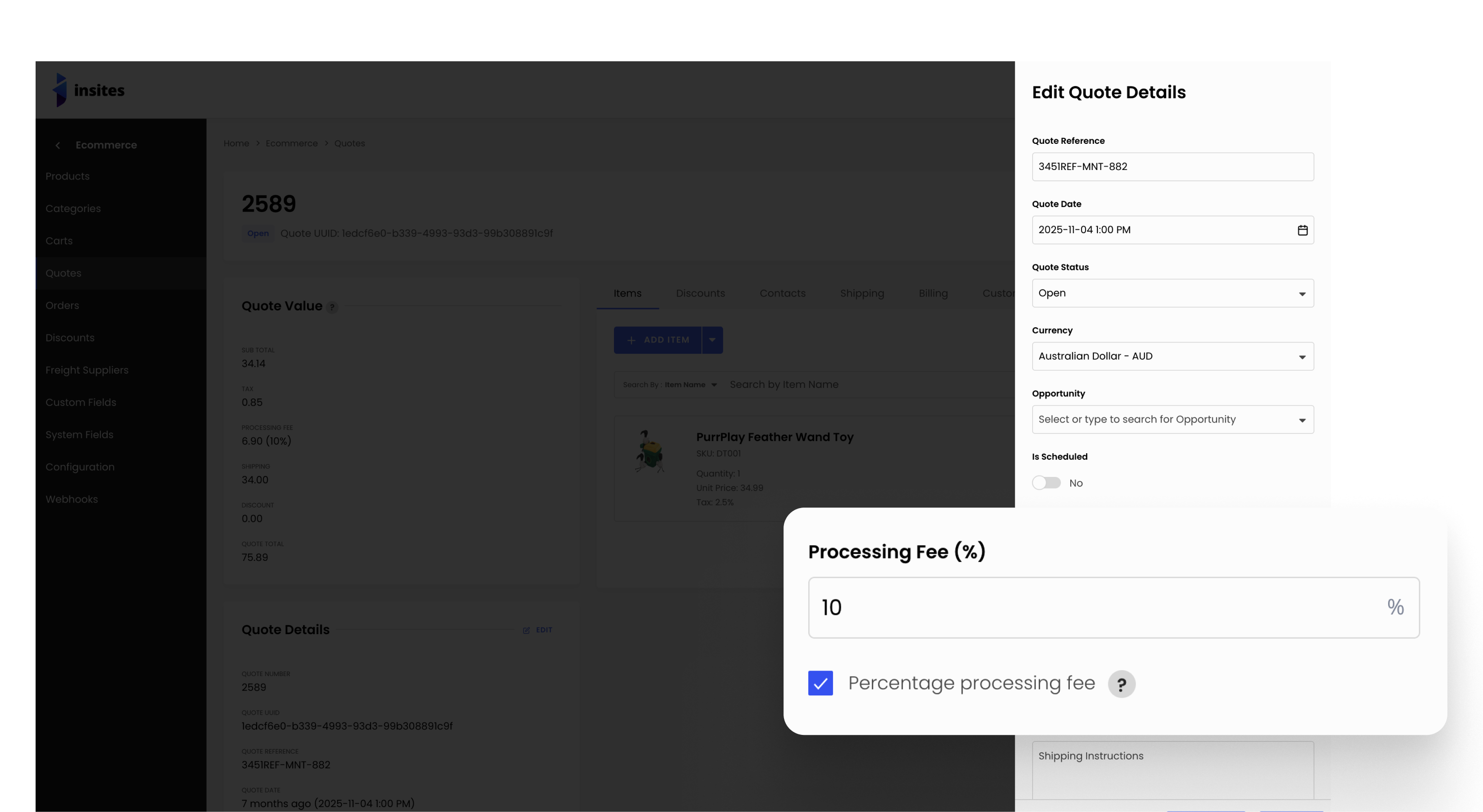
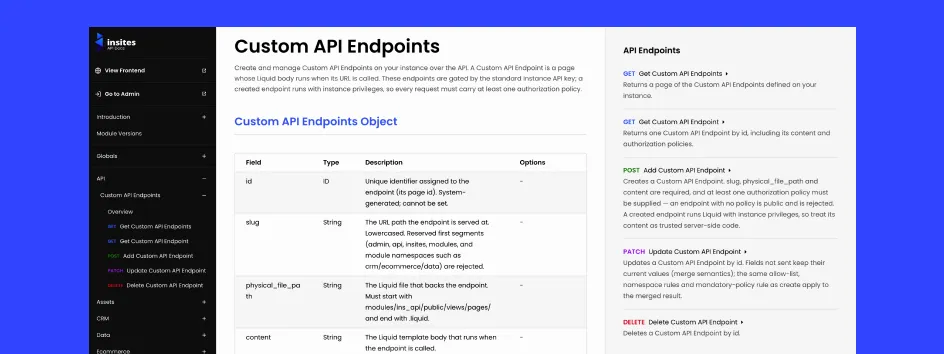
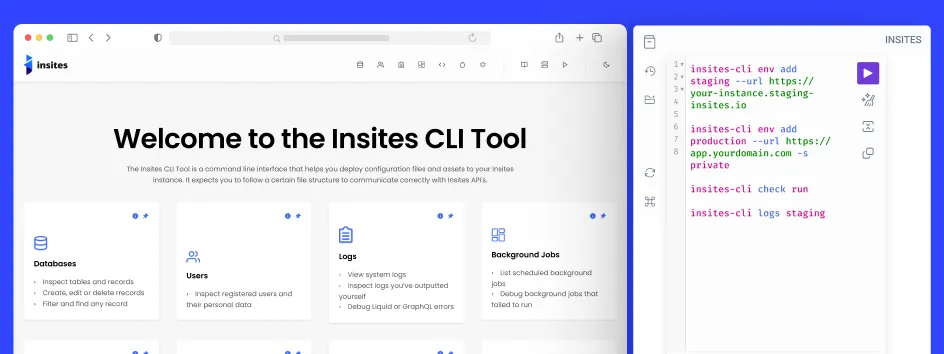
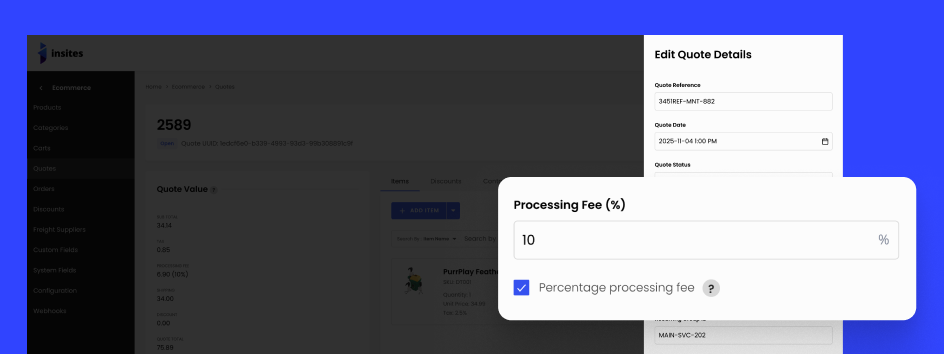
/insites/api/v2/endpoints, gated by the instance API key. Every endpoint must carry at least one authorization policy (no public-by-omission), the slug and file path are namespace-validated, inputs are allow-listed, and each change is recorded in the event stream. Documented under the new API section in the API docs.{% function %}, and when to use a controller instead of the HTTP API. Includes explicit guidance for AI assistants so generated on-instance Liquid uses controllers rather than HTTP calls.{API_KEY} placeholder consistently across every endpoint and module..md to a documentation URL now redirects to the real Markdown version instead of returning HTML with a markdown content type. Fixed the CMS, Forms, Permissions, and Stripe reference sections rendering another module's content.params: params named argument, so the example is copy-paste-valid.& in cURL example URLs and example data, instead of an HTML-escaped &.company.name) is documented as returning an error./data/api/v2; the /databases prefix is deprecated.env add now connects to instances on the Insites dedicated stack as well as the shared stack, and works out which one an instance belongs to from its URL.-s, --stack <stack> option on env add to set the stack explicitly when an instance uses a custom domain the CLI cannot classify.env list now shows which stack each environment belongs to.check command: lint your Liquid. check run reports offenses grouped by file with the offending lines shown, exits 1 when anything is found, and supports -a autofix, -c to filter to named checks, -f text|json, and -s for errors only. check init writes a configuration file for disabling checks or changing their severity, and check update-docs refreshes the Liquid documentation the linter validates against.logs command. insites-cli logs <environment> returned "unknown command".logsv2 reports failing with a file-not-found error for every report.logsv2 alerts add failing to send Slack alerts.logsv2 command reporting errors as an empty {}. A missing environment or bad token now prints the real message.insites-cli <command> --help showing the general command list instead of that command's own help.deploy, sync, and modules targeting the wrong Partner Portal for environments on the dedicated stack.env add run reports which stack it selected.logs and logsv2 now have distinct descriptions in the help output.is_percentage_processing_fee flag (default: false / fixed amount). The processing_fee_amount is automatically computed server-side on every save using the order/quote base (subtotal + tax + shipping − discounts, clamped to $0). Applies across the v2 API, CSV import, and quote-to-order conversion.quote_number is now automatically generated from the record ID on creation. The field is no longer required on POST or CSV import.Quotes
items[] flattened to canonical shape; id added to all nested objectsquote_status defaults to Draft when not supplied; enum and reference integrity validation added; quote_contact_id correctly derived; geo_json cascade fixedquote_number now enforceditems[] flattened; id added to nested objectsOrders
items[] flattened to canonical shape; doc examples correcteditems[] flattened in response; *_contact_id fields removed (not in schema); geo_json cascade fixeditems[] flattened in response; order_company correctly marked as not requiredOrder Items
order.uuid now rejectedpage/size required flags corrected; 400 example fixed; nested id fields addedOrder Discounts
id added to nested order and discount objects across GET list, GET single, DELETEOrder Shipping Packages
Payments
id added; stale enum values removed; 404 shape correctedid fixedQuote Discounts
id added to nested quote and discount objectsQuote Items
id added to nested objects in DELETE 200 doc exampleQuote Shipping Packages
page/size correctly marked Optionalid added to nested objectsSystem Fields
Custom Fields
id validation addedConfiguration
livemode rejectedmeasurement_unit and weight_unitFreight Suppliers
page/size correctly marked Optional in GET list docProducts
effective_price is now always computed server-side on create/update and cannot be overridden via the API or CSV importeffective_price on all existing products and variants using paginated queries (500 per page) to avoid table locksid sub-field added to all nested relation objects (order, quote, contact, company, discount, product, product variant) across orders and quotes v2 API responses and doc examplesIs Percentage Processing Fee columnitems[] on orders and quotes has been flattened from { id, properties: { uuid, ... } } to a flat object { id, uuid, ... } across all endpoints (GET list, GET single, POST, PATCH, DELETE). Any client reading item.properties.* will break.quote_number is now required on quotes PATCH.*_contact_id fields removed from Orders POST — these were not in the order schema and are no longer accepted.processing_fee_amount is now server-computed on every save. Any client-supplied value is ignored and overwritten. Clients should stop sending this field and read it back from the response.effective_price — effective_price on products and product variants now always stores the ex-tax active list price. Previously it stored the raw sale_price or regular_price regardless of tax-inclusive flags.
is_tax_included, is_sale_price_tax_included, or is_variant_sale_price_tax_included set to true will see effective_price change after the backfill migration runs.effective_price will reorder. Re-test any storefront listing, sort, or price-range filter that reads this field.effective_price is read-only. It is computed server-side on every create/update; values sent in POST/PATCH bodies or CSV imports are ignored and overwritten — read it back from the response.total_price is unchanged. It stays tax-inclusive.